
Starter
$3.99/month
30 design exports
- All 7 machine formats
- Thread worksheet included
- Cancel renewal anytime
Turn JPG and PNG artwork into embroidery files. Preview stitches free; export PES, DST, JEF and more with a paid plan.
Photo mode · background retained · merge threshold 1 · Scroll to watch the stitch sequence
Turn a logo, illustration or photo
into a stitch plan.
Real thread. Real texture. A stitch plan that gives your artwork a thoughtful path to fabric.
50+embroidery service organizations
use Auto Scope
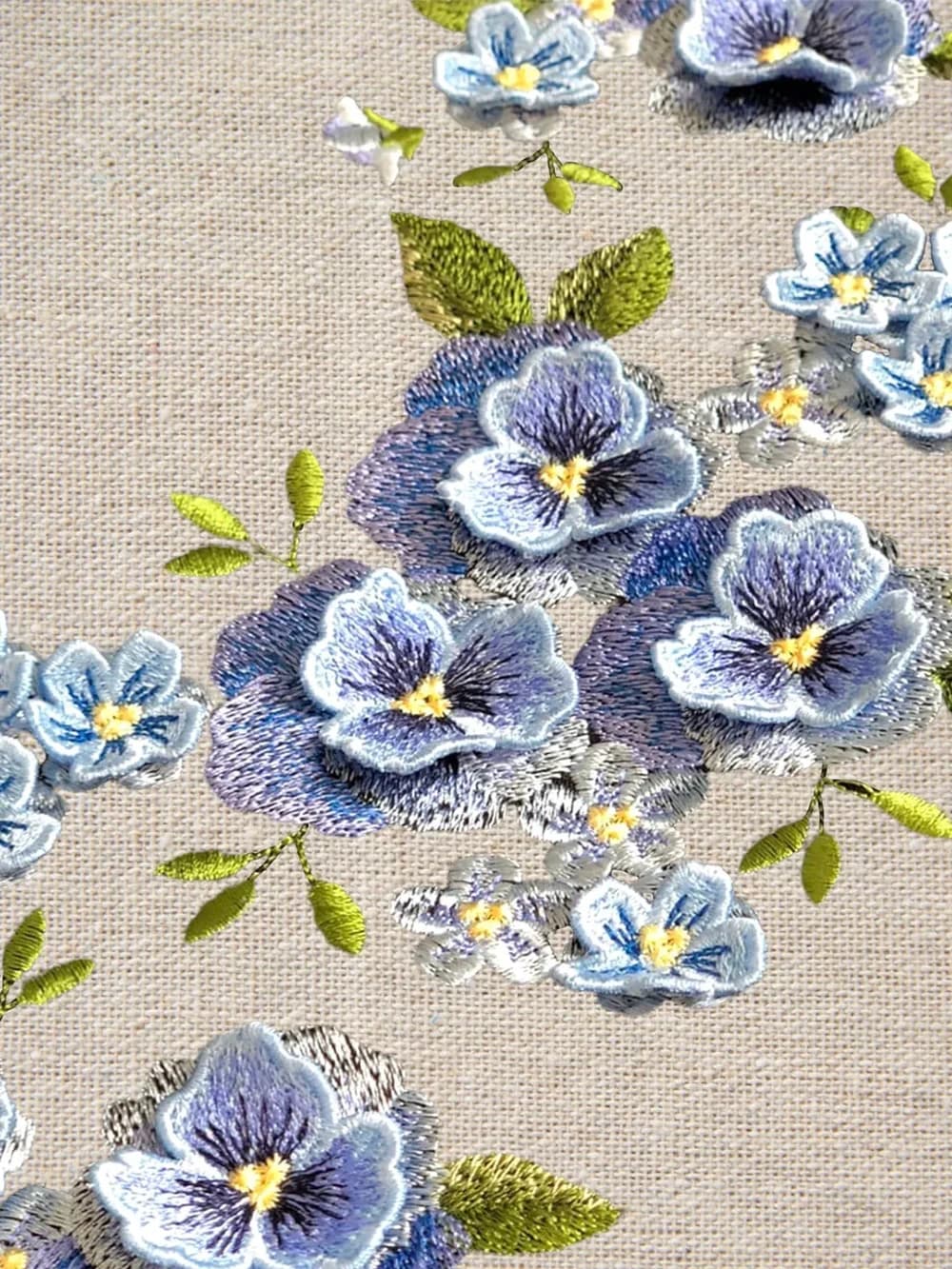
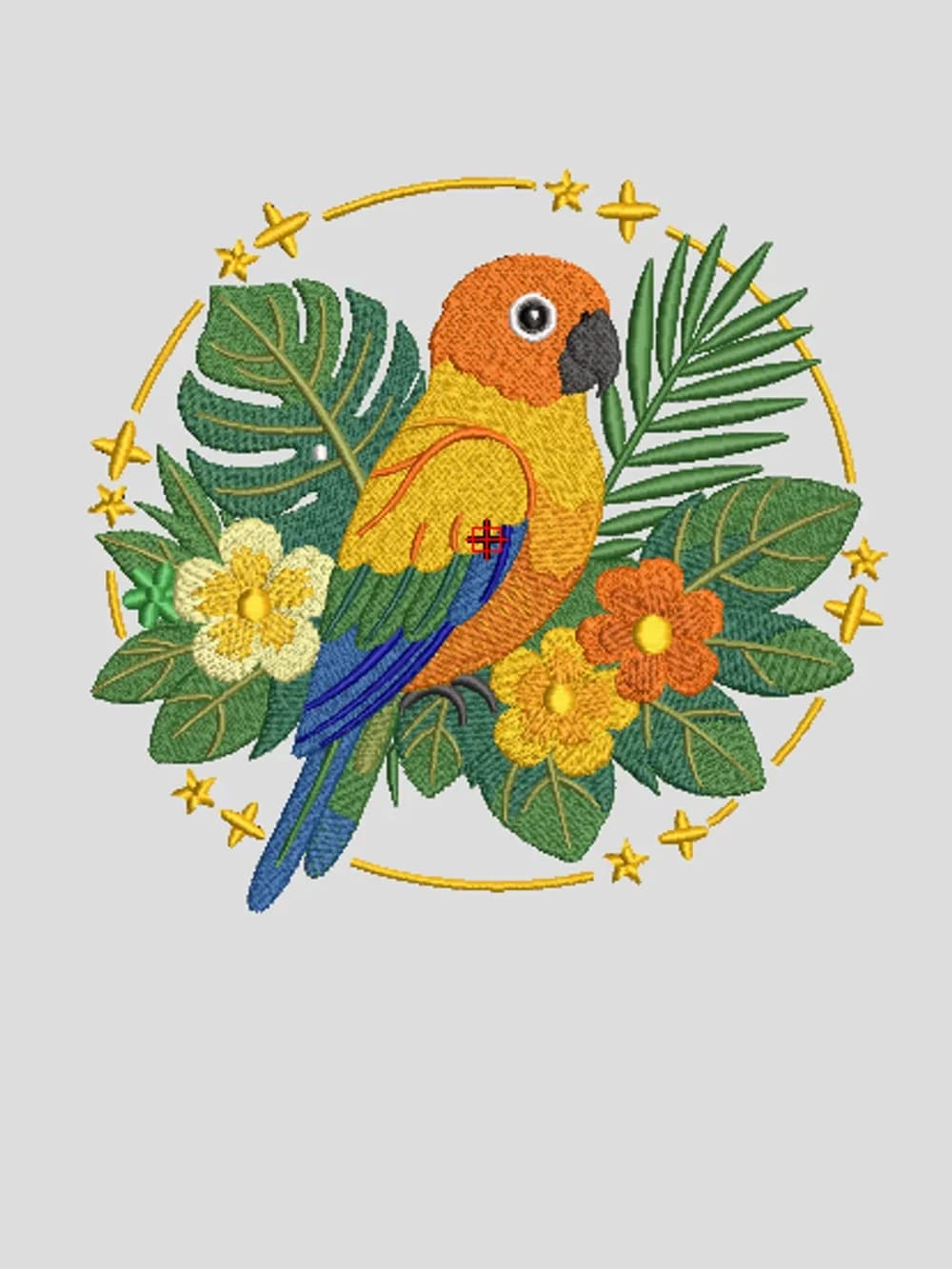
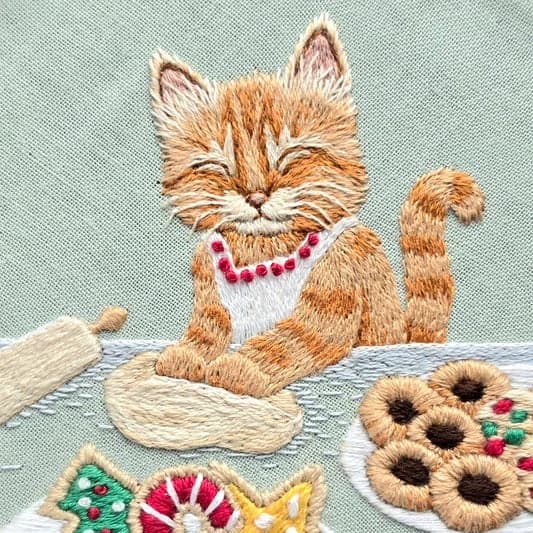
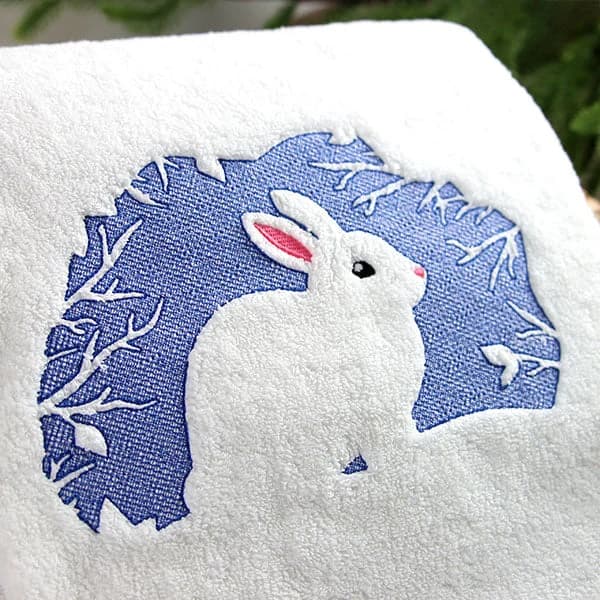
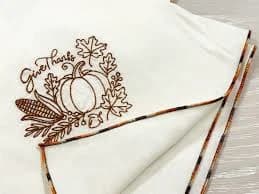
Embroidery inspiration · photos and design previews supplied by our team.
Connected pieces finish first. Shorter paths link separate sections. Safe covered connections and thoughtful layer order reduce exposed travel.
See your stitch plan →Based on our own competitor testing. Bars show relative jump counts, with the tested competitor baseline set to 100%. Results vary by design and settings.
Tested beyond the screen.
Our workflow has been tested with real machine embroidery and sewn results. Test-sew for your fabric and stabilizer.
AutoScope is an automatic image-to-embroidery converter that runs in your browser. Upload a JPG, PNG or WebP logo or illustration, choose its physical size and thread colors, then inspect the generated stitch sequence. Clear shapes and distinct colors give you a more useful starting point than tiny lettering, gradients or busy photographs.
Explore our online embroidery digitizing software, or start with the JPG to PES converter for a compatible Brother or Baby Lock workflow, or choose DST, JEF, EXP, VP3, XXX or PEC after checking your machine manual. Generating a preview is free; downloading embroidery files requires a paid plan. Read how to convert an image to an embroidery file for the complete workflow, including a butterfly example with measured stitch-path data.
Upload DST, PES, JEF, EXP, VP3, XXX or PEC files in the studio. Recolor thread layers, move or resize your design, adjust sewing order, and move or delete individual stitches. These stitch controls also work on previews generated from images. Choose a layer and select stitches by number, then export your edited version.
Learn how to import and edit embroidery files →
This is self-service digitizing software. You upload the artwork, choose settings and review the result yourself. It does not include a digitizer manually rebuilding your design. For difficult small text, detailed commercial logos or specialist techniques, professional manual digitizing may be more suitable. Always test-sew the exported file with your fabric and stabilizer before using it on a finished item.
Use a clear image with distinct shapes and colors.
Choose the size, thread colors and fill settings. Preview the stitch sequence.
Export your machine format and thread worksheet. Test on scrap fabric first.
Preview your artwork first. Export from $3.99 when you’re ready.
$3.99/month
30 design exports
$4.99/month
80 design exports
$9.99/month
Unlimited design exports
Yes. Upload an image, adjust the settings and generate a stitch preview without an account. A paid plan is required to export files.
Export PES, DST, JEF, EXP, VP3, XXX or PEC. Check your machine manual for the correct format and hoop size.
Start with a clear logo or illustration with distinct colors. Photos are supported, but small details and tiny lettering may need simplification.
The preview displays the planned stitch paths. Fabric, stabilizer and machine tension affect the sewn result. Always test-sew before your final piece.
No account needed to get started.